
Restaurant POS & Billing
Close the table without rebuilding the bill.
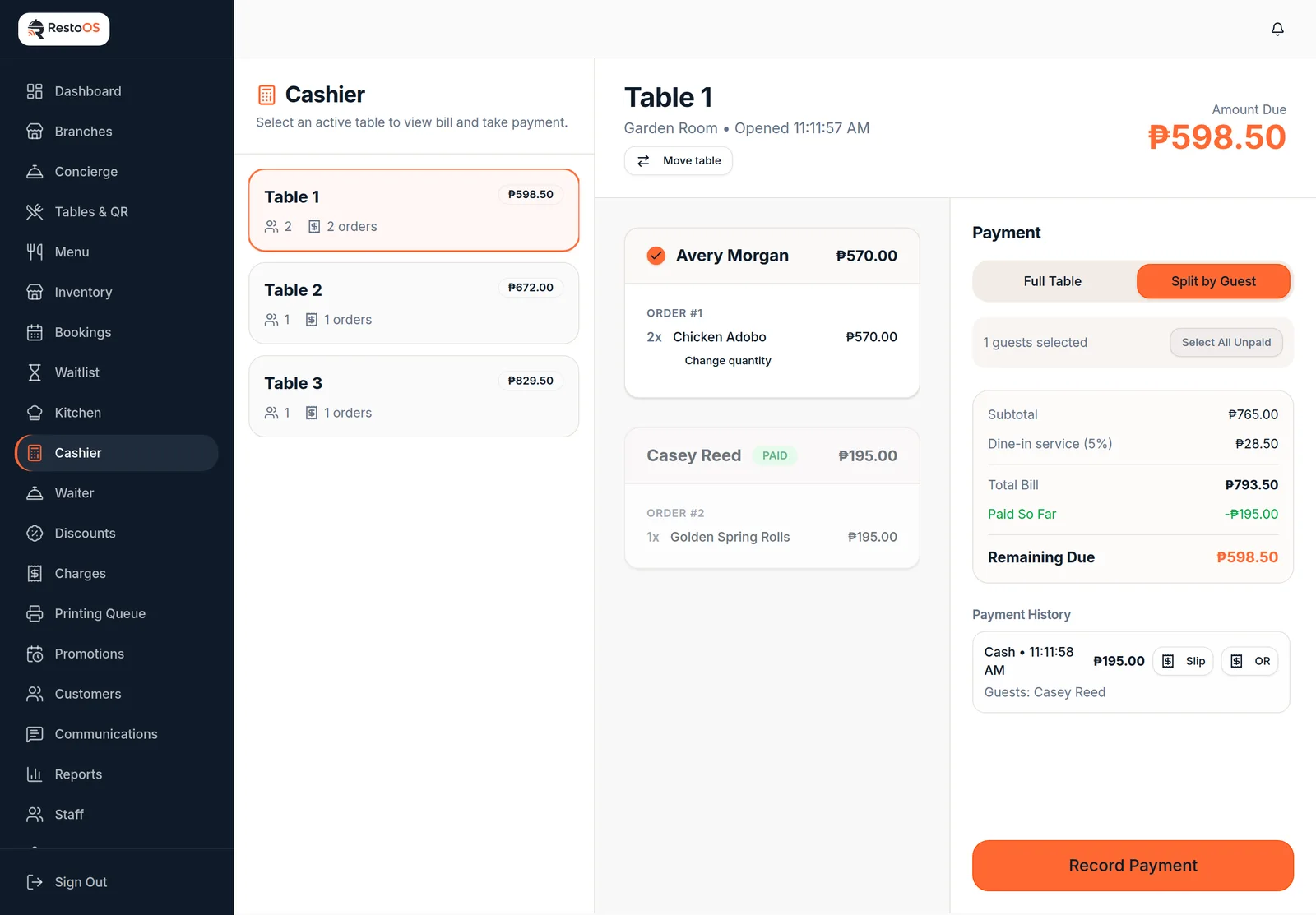
The cashier opens a table and every item is already there, because it came from the original order. Review it, split it between guests and settle it, without re-keying a single line.
01 / The problem
Checkout is where small mistakes become real money.
When orders live on paper, the bill has to be rebuilt at the end of the meal. Cashiers copy items from tickets, guess at what was added later and do the split by hand while a queue forms. Missed items cost you revenue; extra items cost you trust.
- Bills rebuilt from handwritten tickets at the end of the meal
- Added rounds that never make it onto the bill
- Groups waiting while someone divides the total on a calculator
- End-of-day totals that do not match what the kitchen sent out
02 / How RestoOS solves it
One order, from the first item to the final payment.
- 1
Orders build the bill
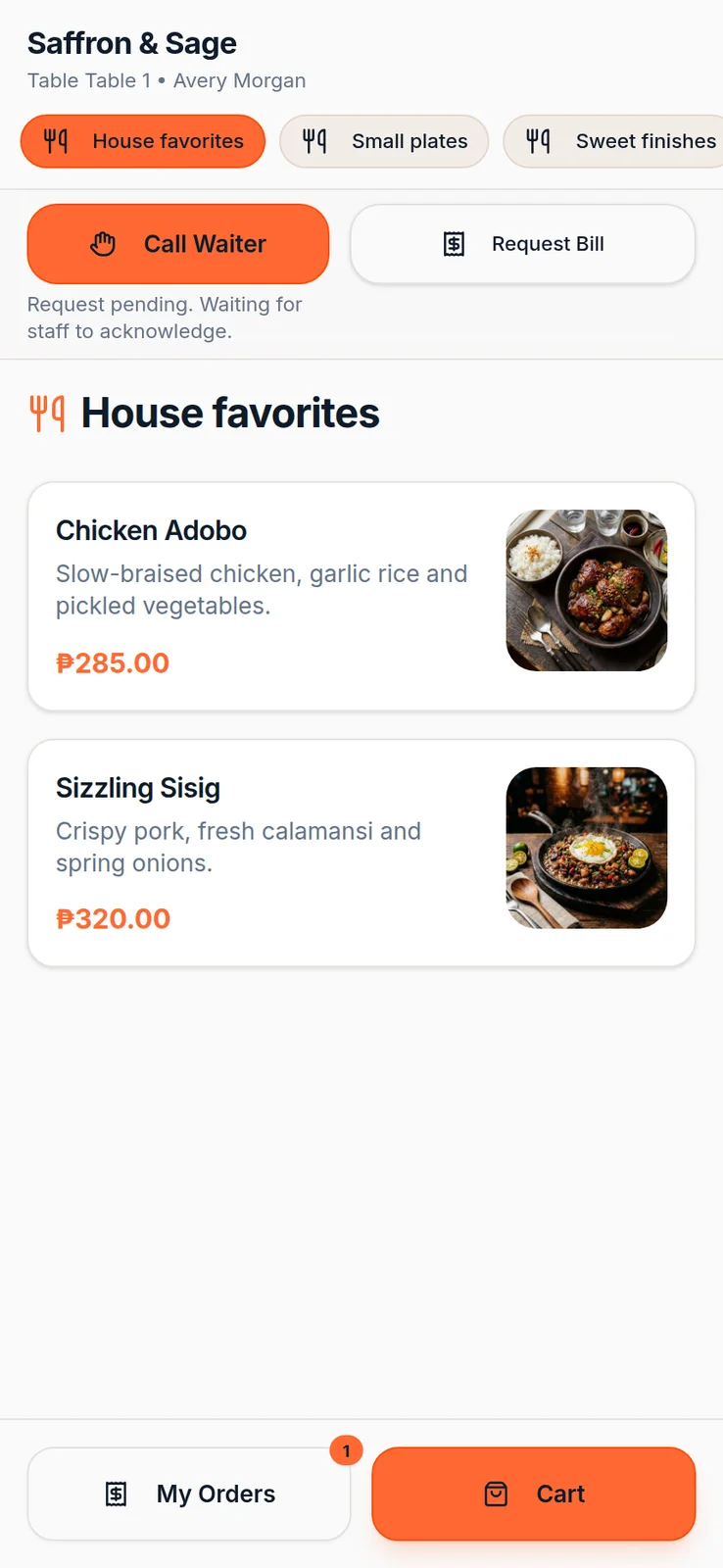
Recorded table orders provide the items for the cashier to review.
- 2
Open the table
The cashier selects the table and sees the itemised order, ready to review.
- 3
Split if needed
Divide the bill between guests when a group wants to pay separately.
- 4
Settle and move on
Close the bill so the table is ready for the next guests.
03 / In practice
A table of eight, paying eight ways.
A neighbourhood bar on a Friday night. Table 4 has ordered in rounds since 8 pm.
- 20:10
The first round is sent to the system and recorded against Table 4.
- 21:25
Two more rounds and a sharing platter are added through the night.
- 23:40
The group asks to pay. The cashier opens Table 4 and every round is already listed.
- 23:42
The bill is split between the guests at the counter.
- 23:47
Payment is settled and the table is cleared for the next group.
- Nobody reconstructed four hours of orders from memory, and nothing was left off the bill.
04 / Key capabilities
What the cashier works with.
- Itemised bills from live orders
- Items come straight from what was ordered at the table.
- Table-based checkout
- Find a bill by table rather than by searching paper tickets.
- Split payments
- Divide a bill between guests when a group pays separately.
- Records for reporting
- Settled bills contribute to the sales summaries owners review.
05 / Business benefits
Faster checkout, cleaner totals.
Operational benefits
- 01
Shorter queues at the counter
Bills are ready to review the moment a guest asks.
- 02
Less repetitive typing
Cashiers confirm items instead of entering them again.
- 03
Easier group payments
Splitting is part of the workflow, not a side calculation.
Financial benefits
Described in plain terms. We do not quote savings percentages or guaranteed returns.
Fewer items left off the bill
When every order is recorded, late additions are less likely to be missed.
Totals that reconcile
Sales records come from the same orders the kitchen received.
06 / Works with
Related features
Guest orders that become the bill without re-keying.
Read the feature pageThe same order the cashier settles is the one the kitchen prepared.
Read the feature pageSettled bills feed the sales summaries owners review.
Read the feature pageDecide which staff can access billing.
Read the feature page
07 / Questions
Questions cashiers and owners ask.
Watch a table close in a few clicks.
We will open a demo table, split the bill and settle it, then talk through your counter setup and compliance questions.