
For restaurants
Better service. Smoother kitchens. Smarter restaurants.
Every table's order follows it from the first scan to the final bill.
Guests order from a table QR menu, the kitchen sees what to prepare, and the cashier settles an itemised bill. Bookings and reports sit in the same system, so owners can see the evening as it actually happened.
01 / Everyday challenges
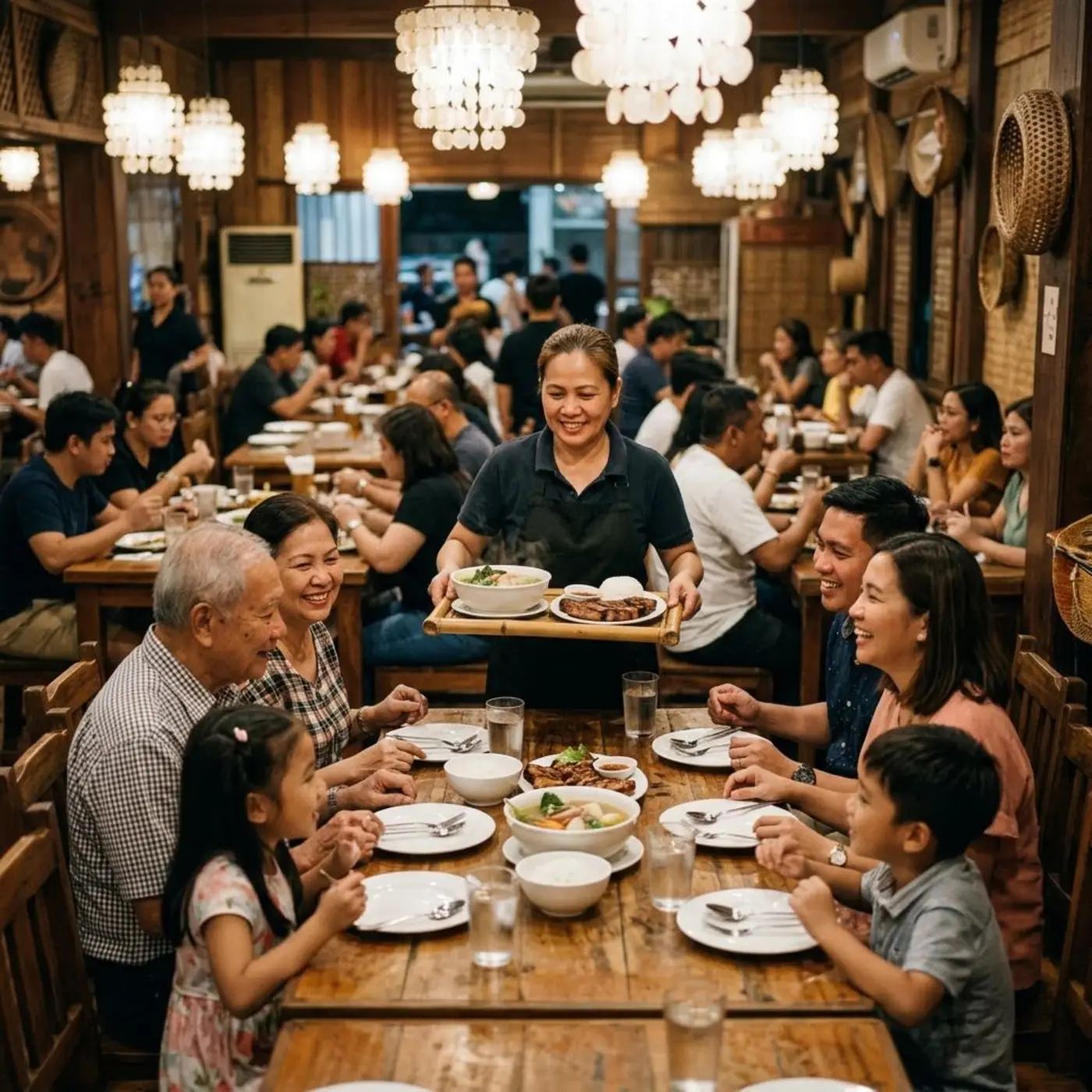
A full dining room exposes every weak link.
Waiting to order
Guests sit with closed menus while two servers cover fourteen tables.
Tickets lost at the pass
A handwritten order for Table 6 is read as Table 8 and goes to the wrong family.
Bills rebuilt at the end
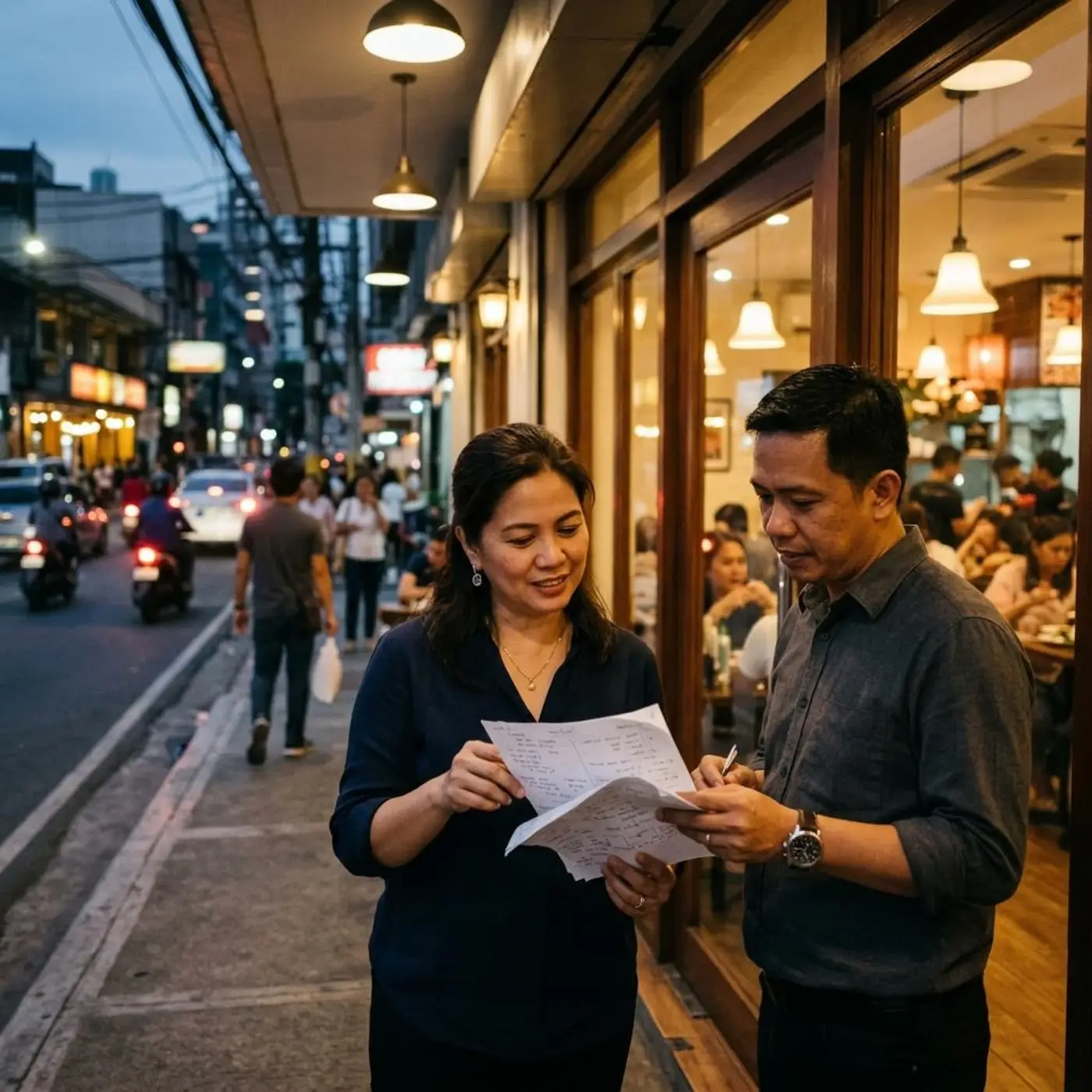
The cashier copies three rounds of orders from crumpled tickets while the queue grows.
Bookings in three places
A birthday party is in the notebook, a couple is in a chat thread, and both expect the window table.
Stock surprises mid-service
The kitchen runs out of a bestseller at 8 pm and servers find out from the guests.
02 / How RestoOS helps
One order, from the table to the till.
- 1
Seat and book
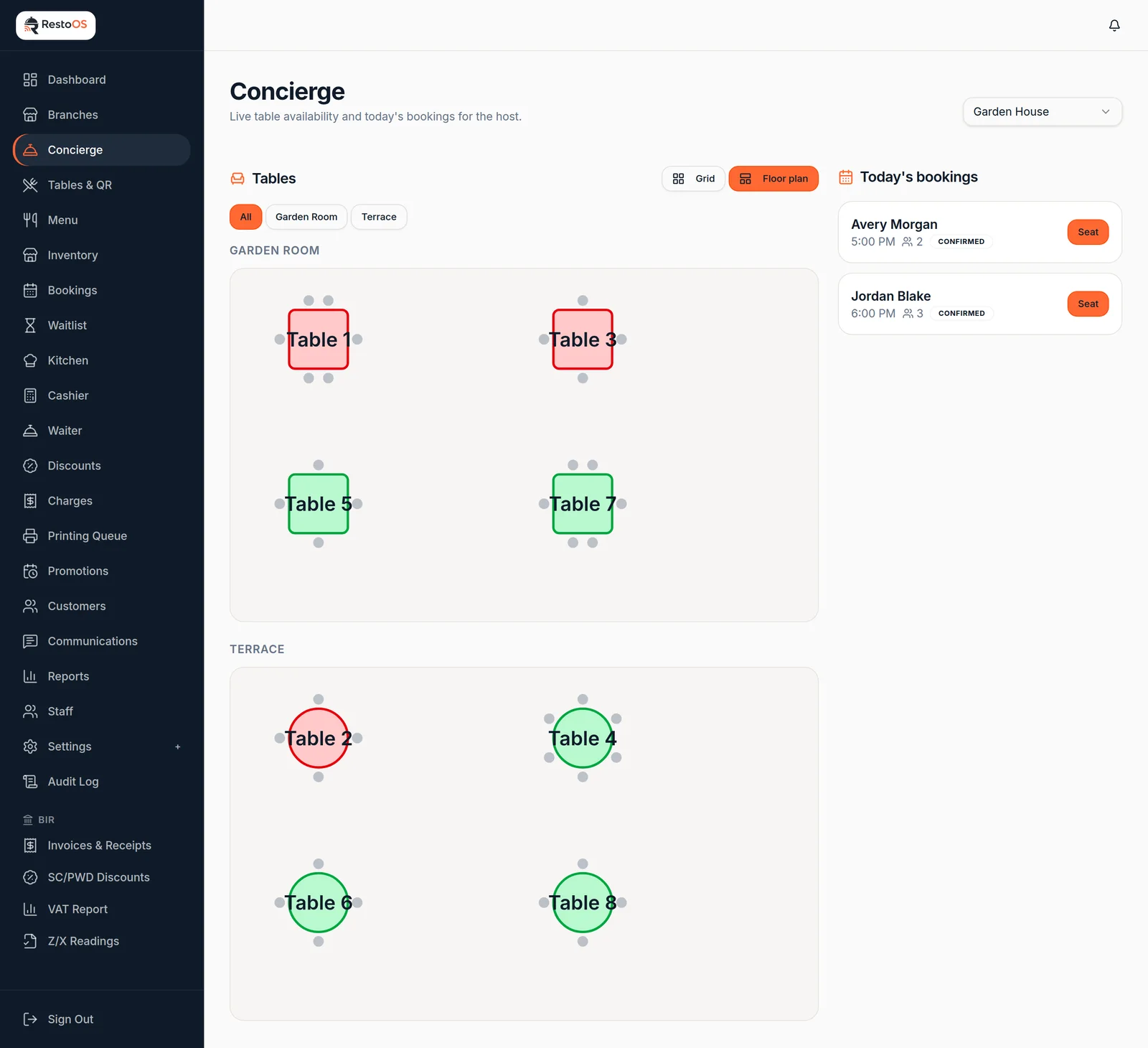
Reservations are recorded in one place and viewed alongside table status.
- 2
Order at the table
Guests scan the table QR code and send their order from their own phone.
- 3
Prepare in the kitchen
Orders appear on a kitchen display grouped by table, with preparation status.
- 4
Settle at the counter
The cashier opens the table, reviews the itemised bill and splits it if needed.
- 5
Review the night
Order and sales summaries help owners see how the service went.
03 / A day in the business
Sunday lunch at a family restaurant.
A fictional restaurant in Pasig with fourteen tables, two servers and a three-cook kitchen.
- 11:45
The manager checks today's bookings next to the floor and holds two tables for a party of ten.
- 12:10
A family is seated at Table 4, scans the QR code and browses the menu together.
- 12:13
Their order arrives on the kitchen display under Table 4.
- 12:35
Dishes are marked ready and a server collects them for the right table.
- 13:40
The cashier opens Table 4, splits the bill between two siblings and settles it.
- 21:30
The owner reviews the day's order and sales summaries from home.
04 / Most relevant features
The parts that matter most here.
- QR Code OrderingGuests order from their own table.
- Kitchen ManagementA clear queue at the pass, grouped by table.
- Restaurant POS & BillingItemised bills and split payments.
- Online ReservationsEvery booking in one shared list.
- Inventory ManagementStock records. Ask about availability.
- Reporting & AnalyticsOrder and sales summaries for owners.
05 / Business benefits
What changes on a busy night.
- 01
Less repetitive work
Orders are recorded once instead of being rewritten at every step.
- 02
Improved order handling
The kitchen works from what guests actually chose.
- 03
Better staff coordination
Servers, cooks and cashiers see the same table information.
- 04
Warmer guest experience
Shorter waits to order and fewer mistakes on the bill.
- 05
Greater visibility
Owners review results built from recorded orders.
Potential outcomes, described qualitatively. We do not quote savings figures or guarantee financial results.
06 / Related solutions
Other ways venues use RestoOS
07 / Questions
What restaurants ask us.
Walk a table from scan to settled bill.
We will run a demo table through ordering, the kitchen and checkout, then talk through your floor and booking routine.