
For cafes and coffee shops
Less time managing orders. More time serving great coffee.
A simpler path from order to cup, without a clipboard in sight.
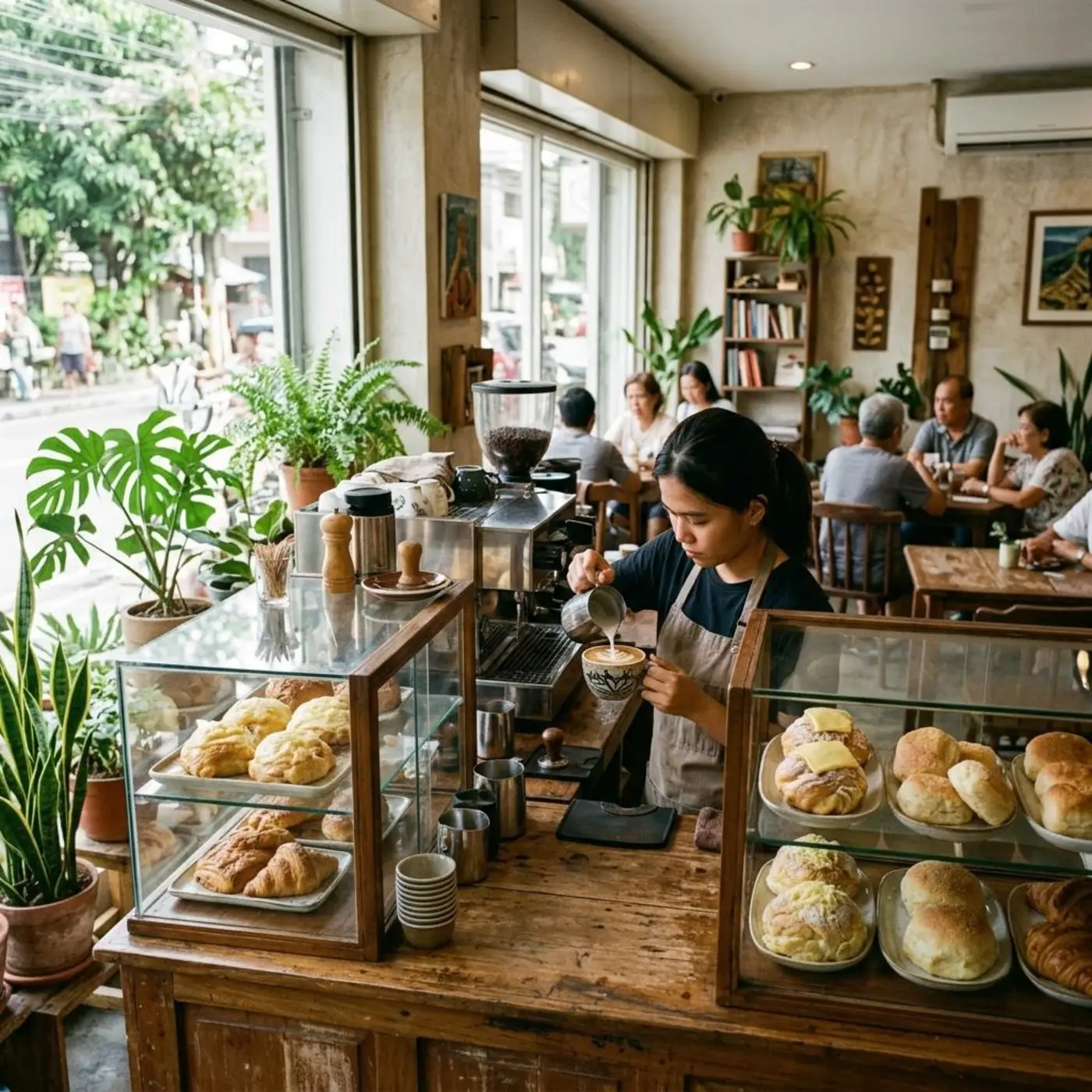
Show guests a clear digital menu, let seated customers order from their table, and keep billing tidy at the counter. RestoOS gives small teams one place for the menu, orders and the day's summary.
01 / Everyday challenges
Small teams, constant rushes.
The 8 am queue
One barista takes orders, makes drinks and handles payment while the line reaches the door.
A menu that keeps changing
A new seasonal drink is on the chalkboard but not on the printed menu, and prices disagree.
Orders shouted over the grinder
An iced latte becomes a hot one somewhere between the counter and the machine.
Pastries that run out at ten
The ensaymada sells out early and nobody noticed how fast it was going.
02 / How RestoOS helps
A lighter workflow for the counter.
- 1
Update the menu
Keep categories, items and peso prices in one place.
- 2
Guests browse and order
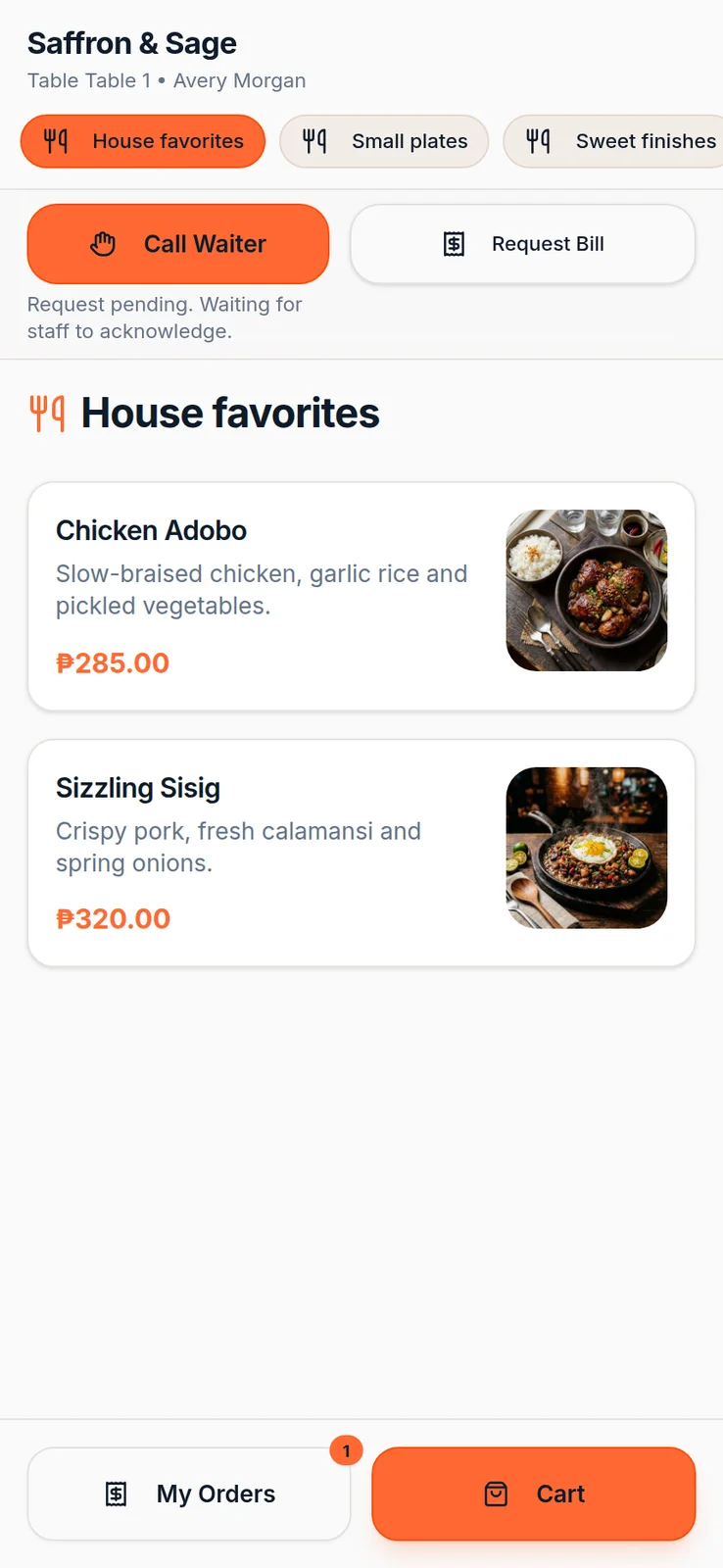
Seated guests scan a table QR code and order from their phone.
- 3
Prepare clearly
Recorded orders reach the preparation area on a display instead of a shouted list.
- 4
Bill without retyping
The cashier settles an itemised bill built from the order.
- 5
See the day
Order and sales summaries show how the day went.
03 / A day in the business
Morning coffee to afternoon merienda.
A fictional cafe in Quezon City with one barista, one kitchen helper and twelve seats.
- 07:30
The owner adds a new iced ube latte and its price to the menu before opening.
- 08:15
Seated guests scan the QR code at their table and order without queuing.
- 08:16
Their order appears for the barista, written exactly as they chose it.
- 12:30
The lunch crowd orders sandwiches; bills are settled at the counter from the recorded orders.
- 18:00
The owner reviews the day's order summary before closing.
04 / Most relevant features
The parts that matter most here.
05 / Business benefits
What a small team gains.
- 01
Fewer interruptions
Seated guests can order without waiting at the counter.
- 02
Clearer orders
Drinks are prepared from what the guest selected.
- 03
Easier menu changes
Update an item once rather than reprinting.
- 04
Daily visibility
See orders and sales without adding up receipts.
- 05
Better stock awareness
Once inventory is confirmed for you, a clearer view of what is running low.
Potential outcomes, described qualitatively. We do not quote savings figures or guarantee financial results.
06 / Related solutions
Other ways venues use RestoOS
07 / Questions
What cafes & coffee shops ask us.
Bring tomorrow's menu to the demo.
We will set up a few of your drinks, place an order and settle the bill, then discuss what your counter needs.