
Menu Management
Change the menu once. Everyone sees it.
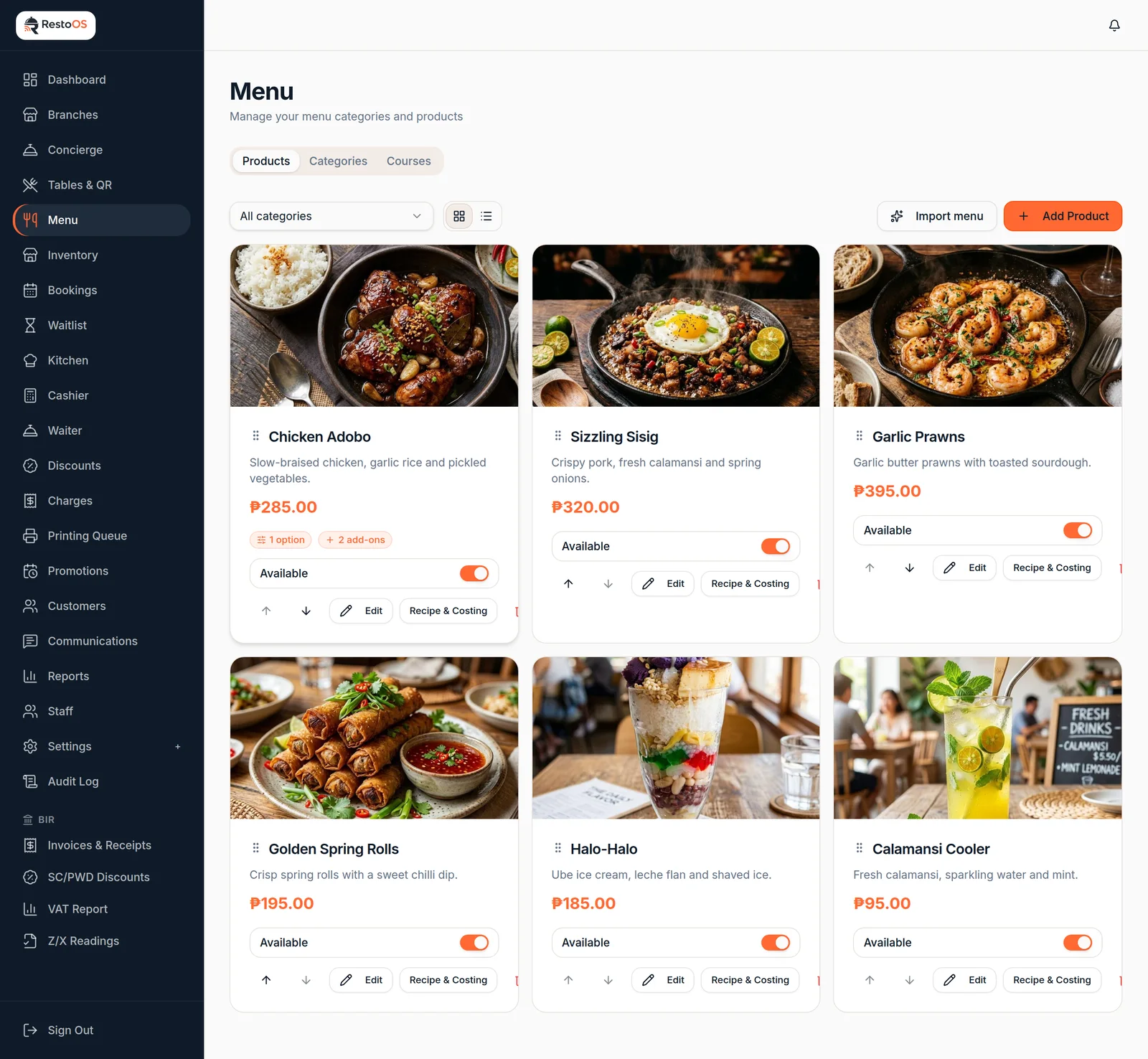
Organise categories, items and prices in one place. Show guests a structured digital menu, and confirm how menu updates connect to ordering and billing for your setup.
01 / The problem
Menus drift when they live in three places.
A price changes on the board but not on the printed menu. A dish runs out but servers keep offering it. New items get added to one list and forgotten in another. Every copy of the menu is a chance for the guest, the server and the cashier to disagree.
- Printed menus out of date the week they arrive
- Prices on the bill that do not match the menu
- Servers unsure which items are available today
- Seasonal dishes added to one list but not the others
02 / How RestoOS solves it
One menu behind every order.
- 1
Set up categories
Group items the way your guests read the menu: starters, mains, drinks, desserts.
- 2
Add items and prices
Enter each dish with its price in Philippine pesos.
- 3
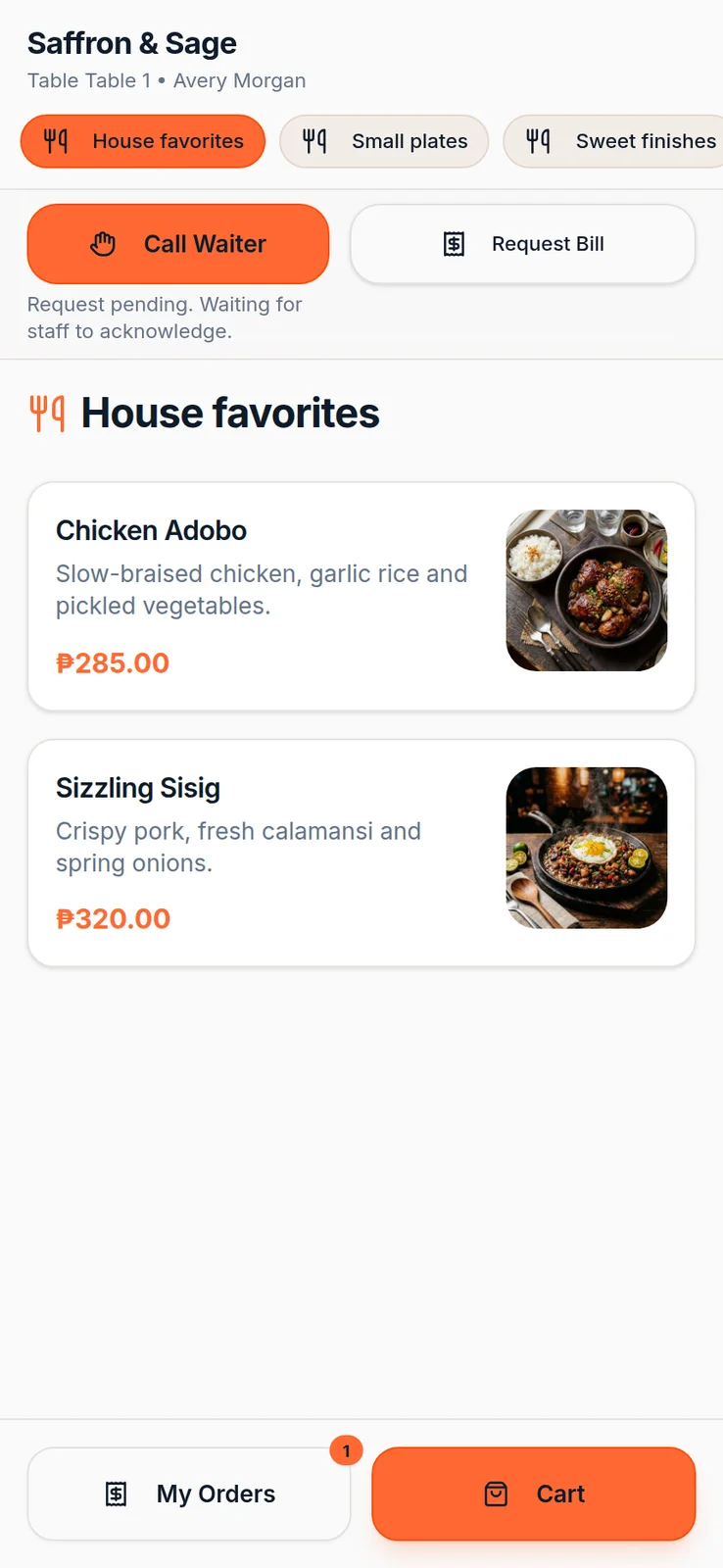
Publish to ordering
Present items in the guest QR menu. Confirm staff-assisted ordering separately.
- 4
Bill from the same list
Prices on the bill come from the menu the order was placed against.
03 / In practice
A new merienda menu, in an afternoon.
A cafe adding a merienda section and adjusting coffee prices before the rainy season.
- 14:00
The manager creates a new Merienda category.
- 14:12
Five items are added with their prices.
- 14:20
Two coffee prices are updated in the same menu.
- 15:00
The first guest scans the table QR code and sees the new section and the new prices.
- A structured menu can make updates easier to communicate to guests and staff.
04 / Key capabilities
What you can organise.
- Categories
- Structure the menu the way guests browse it.
- Items and pricing
- Maintain each dish and its price in one place.
- Consistent billing
- Bills use the prices from the menu.
05 / Business benefits
A menu everyone agrees on.
Operational benefits
- 01
Faster menu updates
Change an item once instead of updating several lists.
- 02
Fewer pricing disputes
Guests, servers and the cashier see the same price.
- 03
Easier menu familiarisation
A structured menu gives staff a clear reference for dishes and prices.
Financial benefits
Described in plain terms. We do not quote savings percentages or guaranteed returns.
Less reprinting
Digital menu changes reduce how often printed menus need replacing.
Pricing you control
Price changes reach every order without waiting for a print run.
06 / Works with
Related features
Guests browse the menu you set up here.
Read the feature pageMenu items appear on every kitchen ticket.
Read the feature pageBills take their prices from this menu.
Read the feature pageLinking dishes to ingredients. Ask about availability.
Read the feature page
07 / Questions
Questions about the menu.
Bring your menu to the demo.
We will show how categories, items and prices flow into ordering and billing, and check the options your menu needs.