
For quick-service restaurants
Faster orders. Smoother service. Happier customers.
Recorded orders give the kitchen a clearer starting point than a stack of handwritten slips.
A clear menu, recorded orders, a kitchen display and itemised checkout help a quick-service team handle the rush without losing track. Built around the counter-and-kitchen rhythm of a busy lunch.
01 / Everyday challenges
Lunch hour leaves no room for errors.
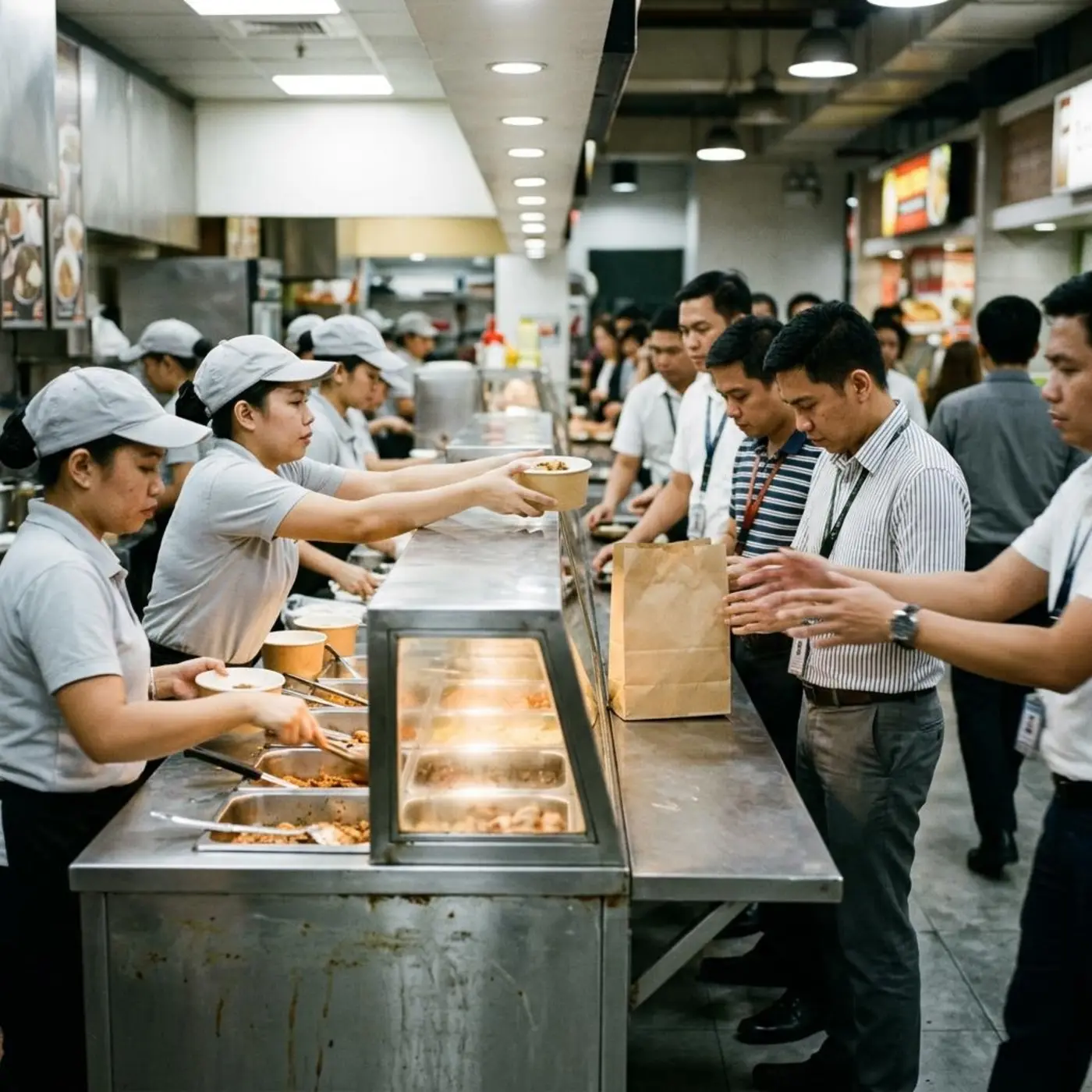
A wall of orders at 12:05
Thirty office workers arrive in ten minutes and the kitchen gets a stack of slips.
Wrong bowl, wrong customer
Two similar orders are swapped at the hand-off counter.
Menu boards out of date
A combo price changed last week, but not on the printed menu.
Staff pulled in every direction
The same person takes orders, packs bags and answers questions.
Running out of the bestseller
The chicken runs out at 12:40 and the counter only finds out when a cook says so.
02 / How RestoOS helps
From order to hand-off, without the slip.
- 1
Keep the menu current
Update items and peso prices in one place.
- 2
Record the order
Seated guests can order by table QR code.
- 3
Queue in the kitchen
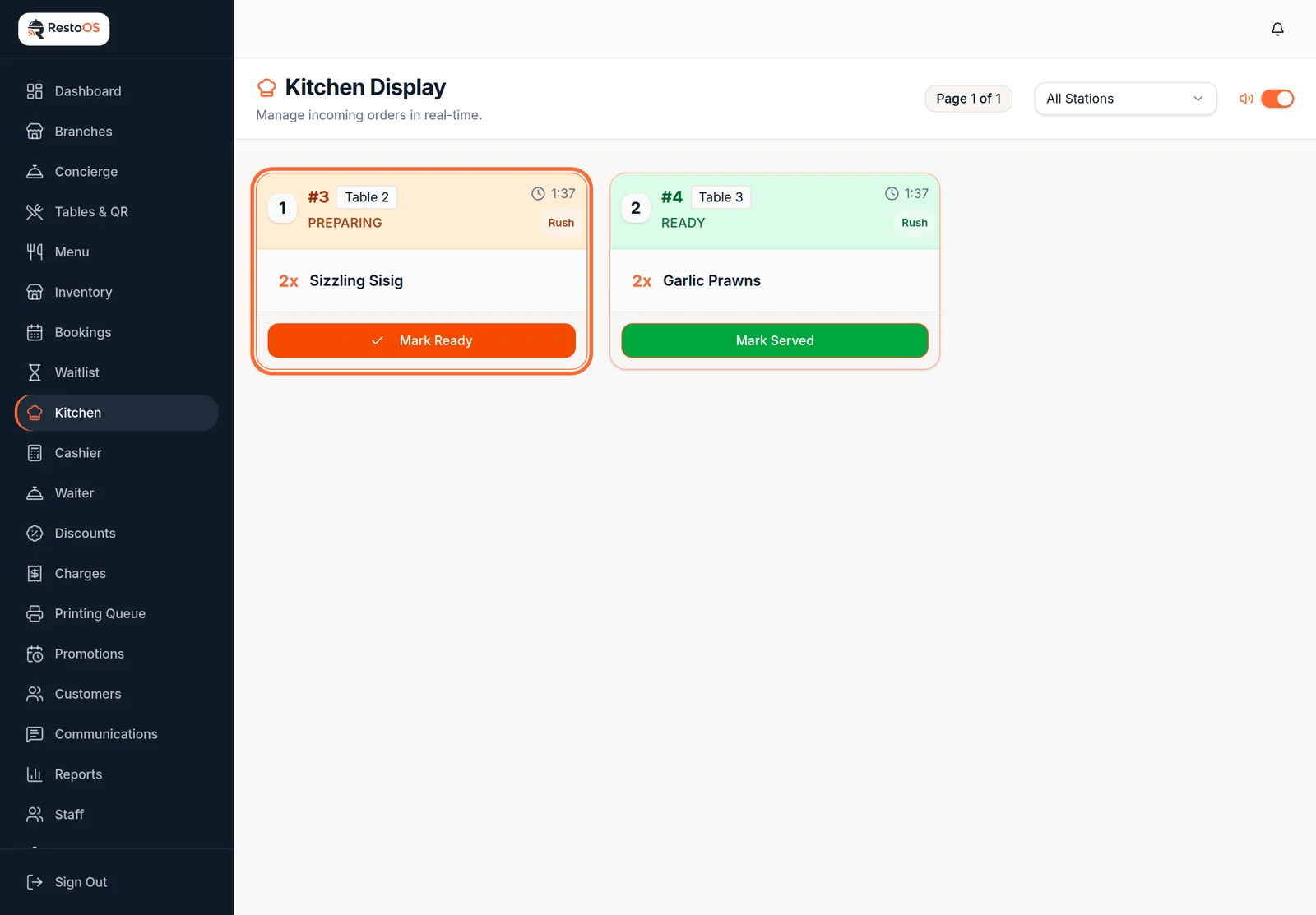
Orders appear on the kitchen display as they are placed, with preparation status.
- 4
Check out
An itemised bill is settled from the recorded order.
- 5
Learn from the rush
Order and sales summaries show what sold.
03 / A day in the business
The weekday lunch rush.
A fictional rice-bowl shop in Ortigas with a counter, a three-person kitchen and twenty seats.
- 11:30
The manager updates the day's special and its price in the menu.
- 12:05
Orders start arriving; each appears on the kitchen display as it is recorded.
- 12:12
Cooks mark bowls as ready so the counter knows what to hand over.
- 12:20
Seated customers order a second drink from the QR code at their table.
- 15:00
The manager reviews the lunch period's order and sales summaries.
04 / Most relevant features
The parts that matter most here.
- Kitchen ManagementKitchen visibility of recorded orders.
- Menu ManagementPrices kept current in one place.
- Restaurant POS & BillingItemised checkout from the order.
- QR Code OrderingSeated guests order from the table.
- Inventory ManagementStock tracking. Ask about availability.
- Staff Roles & PermissionsRoles for counter and kitchen staff. Confirm your setup.
05 / Business benefits
What the rush feels like with one system.
- 01
Improved order handling
The kitchen works from recorded orders, not slips.
- 02
Fewer hand-off mix-ups
Ready status helps the counter hand over the right order.
- 03
Less repetitive work
Orders are not retyped at checkout.
- 04
Clearer menu pricing
Prices are maintained in one place.
- 05
Visibility into what sells
Use summaries to plan prep for tomorrow.
Potential outcomes, described qualitatively. We do not quote savings figures or guarantee financial results.
06 / Related solutions
Other ways venues use RestoOS
07 / Questions
What quick-service restaurants ask us.
Put your lunch rush through a demo.
We will send a burst of demo orders through the kitchen display and checkout, then talk through your counter.