
Multi-Branch Management
Your second branch, without a second way of working.
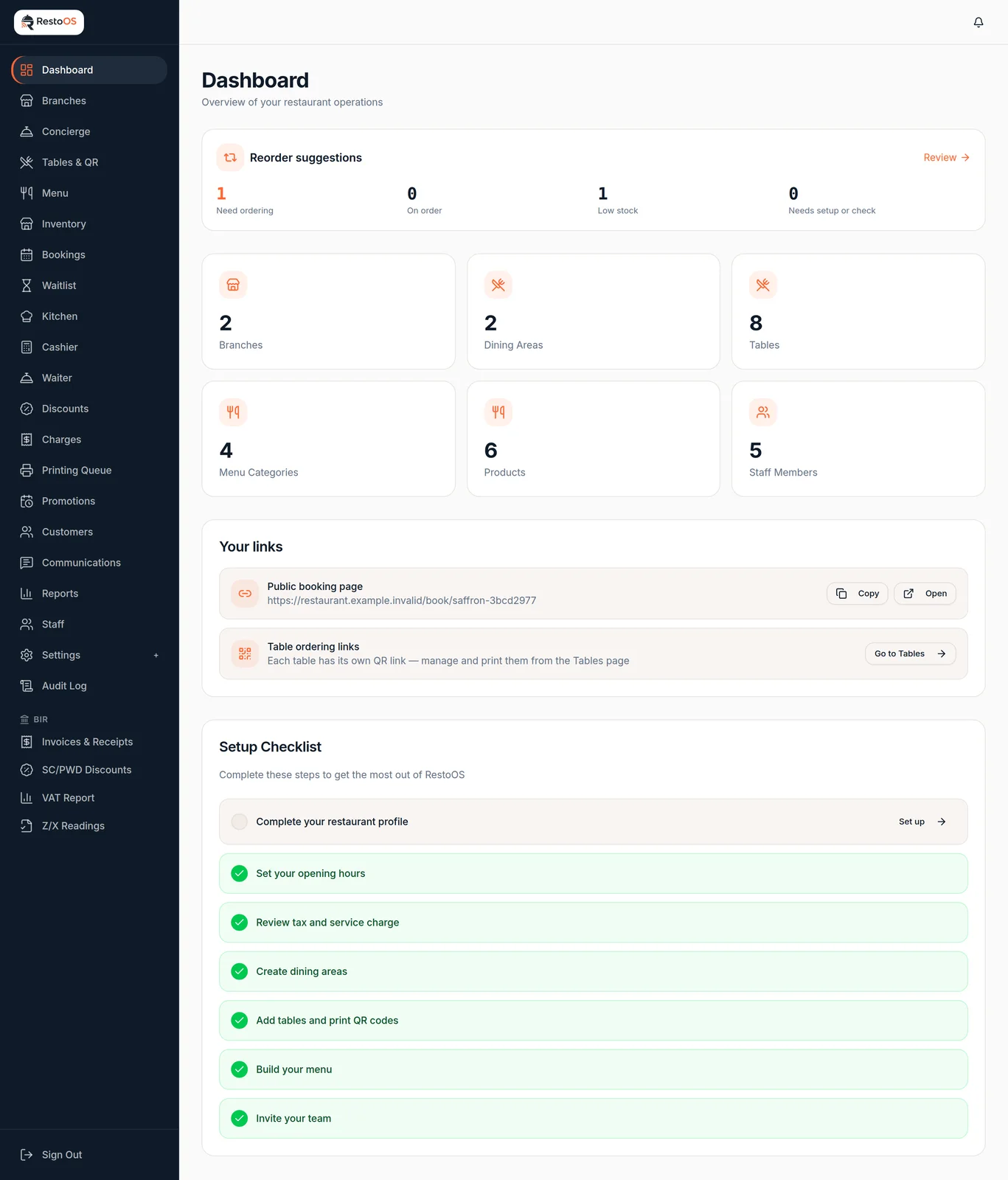
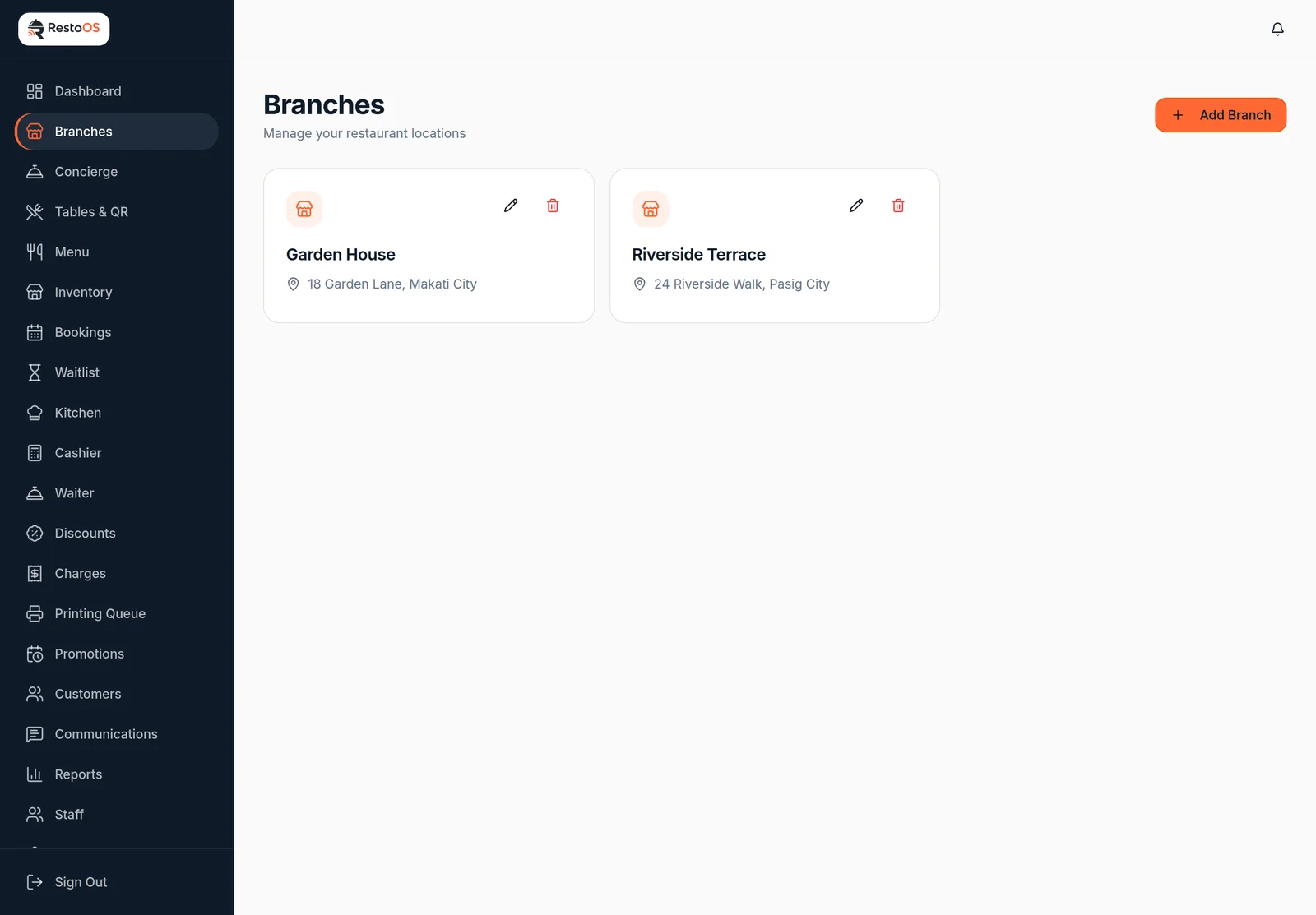
RestoOS keeps settings and records scoped to each branch, with staff roles limiting who can change what. How this applies to your group should be confirmed in a demo.
01 / The problem
You cannot stand in two places at once.
Opening a second location doubles the questions. Is the new branch using the same menu? Who has access to what? Are the numbers being recorded the same way? Owners end up driving between branches to find out.
- Each branch running its own notebooks and spreadsheets
- Staff with access to branches they do not work at
- Settings that drift between locations
- Owners chasing managers for updates
02 / How RestoOS solves it
Each branch kept in its own lane.
- 1
Set up each branch
Branch records are kept separately within RestoOS.
- 2
Scope settings
Settings apply to the branch they belong to.
- 3
Scope staff access
Confirm the role and branch access rules available for your group.
- 4
Review per branch
Records and reports are kept per branch. Confirm combined views for your group.
03 / In practice
Opening a branch across town.
An owner with a busy original restaurant opening a second location in another city district.
- Month 1
The new branch is set up with its own settings and records.
- Week 1
The owner confirms the branch access available for new staff.
- Friday
The owner reviews each branch's records without driving across town.
- Demo
Combined reporting across both branches is confirmed with our team.
- Branch-scoped records support separate management; confirm exact staff access rules for your group.
04 / Key capabilities
What is branch-scoped, and what to confirm.
- Branch-scoped settings
- Settings kept per branch.
- Branch-scoped records
- Orders and records kept separately for each branch.
05 / Business benefits
Consistency without micromanaging.
Operational benefits
- 01
Cleaner separation
Each branch's records stay distinct.
- 02
Appropriate access
Review staff responsibilities against the available branch access options.
- 03
Less travel to check in
Review branch records without being on site.
Financial benefits
Described in plain terms. We do not quote savings percentages or guaranteed returns.
Clear per-branch results
Separate records make it easier to see how each location performs.
Fewer access mistakes
Scoped access reduces accidental changes at the wrong branch.
06 / Works with
Related features
Access scoped to each branch.
Read the feature pageRecords and reports per branch.
Read the feature pageThe menu each branch serves.
Read the feature pageBookings for each location.
Read the feature page
07 / Questions
Questions from growing groups.
Plan your next branch with us.
Tell us how your locations run. We will show branch-scoped management and confirm what applies to your group.